
loading

Professional solar camera supplier - VESAFE

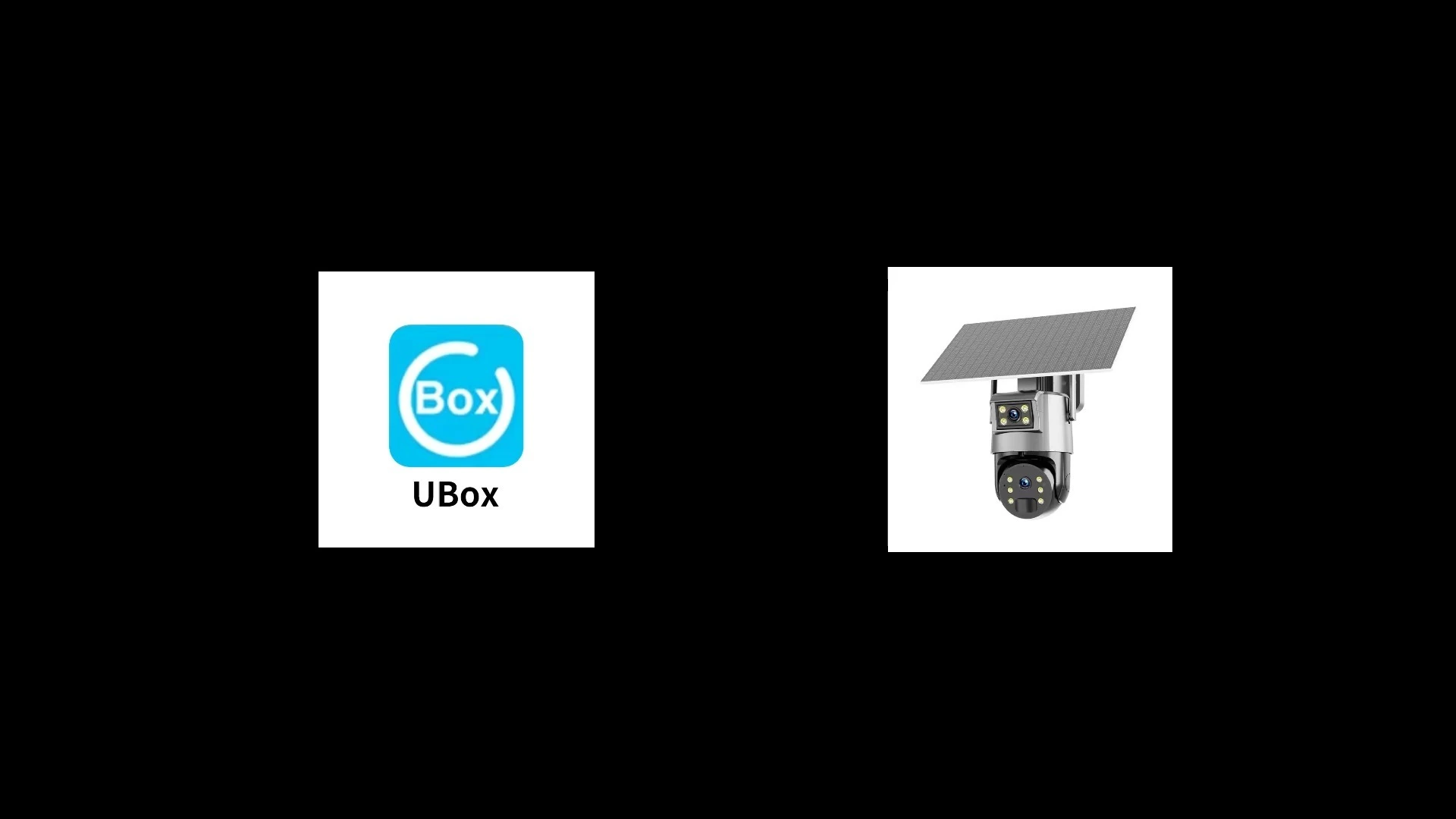
UBOX Solar Dual-Lens Outdoor Security Camera with Alarm 1
UBOX Solar Dual-Lens Outdoor Security Camera with Alarm 2
UBOX Solar Dual-Lens Outdoor Security Camera with Alarm 1
UBOX Solar Dual-Lens Outdoor Security Camera with Alarm 2

UBOX Solar Dual-Lens Outdoor Security Camera with Alarm

• Full HD 2MP+2MP video quality,Dual cameras monitoring.One camera for Wide angle global monitoring,One camera for PTZ detailed monitoring.
•100% wifi free,no wiring easy installation
• Built-in dual 6w solar charge panel.
• Built-in MIC and Speaker,support two-way talk.
• Pan:355° Tilt:90°
• Support TF card and cloud storage.
• Built-in Batteries in camera
• Support UBOX APP Android/IOS remote view.
• Equipped with flood light and siren alarm.
• Support multiple installation modes: integrated/separated wall and ceiling mounted

5.0
design customization

    oops...!

    no product data.

    Go to homepage

    Continuous Solar Dual-Lens Security 

    Keep your property protected day and night with solar-powered, dual-lens clarity for wide-area and close-up detail plus a loud integrated alarm to deter intruders. The sleek, weather-resistant housing and premium build quality, packed with compact mounting hardware, make installation fast and durable for outdoor use. Smart motion alerts, crisp night vision, and two-way audio deliver instant, actionable notifications and clear evidence when it matters most.

    ● product desc 1

    ● product desc 2

    ● product desc 3

    ● product desc 4

    carousel-2

    Product Display

    carousel-2
    carousel-2
    Read More
    carousel-5
    carousel-5
    Read More
    carousel-7
    carousel-7
    Read More

    Reliable Dual-Lens Solar Protection

    carousel-3
    Long Lasting Solar Power
    The high-efficiency integrated solar panel keeps the camera continuously powered so you get reliable surveillance without frequent battery swaps. That low-maintenance design also removes the need for complicated wiring, making it ideal for remote or hard-to-reach locations.
    未标题-2 (16)
    Smart PIR Motion Alarms
    Advanced PIR filtering and smart motion detection significantly reduce false alerts so you only get notified for real events. If a real intrusion is detected, the built-in siren and strobe immediately deter threats while notifying you through the app.
    未标题-3 (10)
    Dual Lens Detailed Monitoring
    The dual-lens setup delivers a wide-angle overview and a dedicated close-up stream at the same time, giving both context and clear detail for identification. With optimized day/night performance, you get comprehensive coverage and usable footage around the clock.
    未标题-4 (5)
    Flexible Storage And Alerts
    Weatherproof construction and easy wireless installation let you place the camera practically anywhere and choose between local SD or encrypted cloud storage. Two-way audio and real-time app notifications keep you connected so you can listen, speak, and respond instantly.

    Solar Dual-Lens Security Alarm

    The UBOX Solar Dual-Lens Outdoor Security Camera combines a dual-lens imaging system with integrated solar charging and an audible alarm to provide continuous, off-grid surveillance and immediate threat notification. It pairs motion-triggered AI detection, real-time mobile alerts, two-way audio, a built-in siren and flexible cloud or local storage options to deter intruders, reduce false alarms, and lower maintenance costs. Rugged, weather-resistant construction, adjustable mounting and energy-efficient power management deliver reliable outdoor performance and simple installation for homeowners or small businesses seeking long-term security coverage.

    ◎ Continuous Solar Charging

    ◎ Dual Lens Coverage

    ◎ Weatherproof Remote Interaction

    carousel-6

    Application Scenario

    application scenario 1
    Mount the UBOX on your driveway to monitor both broad approach angles and zoom in for license-plate or face detail with its dual-lens design and continuous solar charging. The integrated siren and instant push alerts deter intruders and keep you informed around the clock without wiring or frequent battery swaps.
    application scenario 2
    Install above gates to track arrivals and deter trespassers with simultaneous wide-area and close-up coverage powered by solar energy. When motion is detected the loud alarm sounds and real-time notifications are sent to your phone, providing maintenance-free protection day and night.
    carousel-5
    application scenario 3
    Place the camera on garage walls to oversee vehicles and stored items, using one lens for overall coverage and the other for high-resolution close-ups. Solar charging sustains long-term operation while the built-in alarm and immediate alerts help stop theft before it escalates.
    carousel-7
    application scenario 4
    Position the UBOX at shop entrances to record customer flow and capture clear facial details when needed with its dual lenses. The loud siren repels suspicious activity and instant alerts notify you in real time, all without running cables or swapping batteries frequently.

    Material Introduction

    The camera features a rugged, weatherproof housing made from UV-stabilized ABS plastic and a powder-coated metal bracket that resists corrosion and harsh outdoor conditions. Its optics are protected by tempered glass and precision-grade lenses, while silicone gaskets and rubber seals provide reliable protection against moisture and dust. Power components include a high-efficiency monocrystalline solar panel with durable encapsulation and corrosion-resistant stainless-steel fasteners for long-term outdoor reliability.


    ◎ Exterior Housing Materials 

    ◎ Solar Panel Assembly

    ◎ Power & Internal Protection

    carousel-6

    FAQ

    1
    How should I place and mount the UBOX Solar Dual-Lens camera for best solar charging and reliable Wi‑Fi connection?
    Mount the camera where the solar panel gets direct sunlight for most of the day — typically a south-facing orientation in the Northern Hemisphere — and avoid shading from trees or eaves. Place the camera high enough (8–12 feet is common) to cover the area but within range of your home Wi‑Fi; many solar cameras work best on 2.4 GHz networks. Aim the solar panel angle toward the sun, secure all mounts tightly, and test the Wi‑Fi signal before finalizing the position.
    2
    What does the dual-lens feature do, and what are typical application scenarios?
    The dual lenses allow simultaneous wide-area monitoring and a secondary close-up or zoomed-in view, so you can capture both overall context and identifying detail. Typical scenarios: monitor a driveway (wide lens) while zooming on license plates or faces (second lens); cover a backyard with one lens and focus on a gate or shed with the other; use one lens for perimeter detection and the other for a high-value entry point.
    3
    How does the alarm work, and how can I customize alerts for different situations?
    The camera’s alarm triggers on motion (often using PIR or smart motion detection) and can sound a built-in siren, send app push notifications, or activate two-way audio. In the app you can set detection zones, adjust sensitivity to reduce false alarms (pets, branches), schedule active times, and change alarm volume/behavior. Use lower sensitivity or narrower zones for high-traffic areas and higher sensitivity for critical locations.
    4
    What should I expect from nighttime performance and how do I improve nighttime identification?
    At night the camera typically uses IR or a built-in spotlight to capture images — IR gives clear black-and-white images, while a spotlight can provide color detail that helps ID faces and license plates. To improve nighttime identification, enable any color/night spotlight mode, position the camera so lights don’t shine directly into the lens, and avoid pointing it at reflective surfaces. Test different settings to balance visibility and false alerts.
    5
    How can I store and review footage — local SD card vs cloud — and what are common use workflows?
    Many solar security cameras support local microSD storage for event clips and optional cloud subscriptions for off-site retention. Common workflows: record motion-triggered clips to SD for short-term local review, enable cloud backup for important events you don’t want to lose, and use the mobile app to browse, download, and share clips. Check the camera’s app for event filters (motion, alarm), timeline playback, and export options.
    6
    Is the camera weatherproof and what maintenance or troubleshooting should I do for solar/battery issues?
    The camera is designed for outdoor use and is weather resistant, but you should still protect connections and check seals after storms. Maintain the solar panel by cleaning dirt and debris periodically, trim nearby foliage that causes shade, and check mounting hardware for loosening. If battery charging is low, reposition the panel, check Wi‑Fi strength (weak connections can drain battery), update firmware via the app, and use the reset procedure or contact support if issues persist.
    MORE PRODUCTS
    no data
    Get in touch with us
    Just leave your email or phone number in the contact form so we can send you a free quote for our wide range of designs
    Related Products
    no data
    Contact us
    phone
    email
    wechat
    whatsapp
    Contact customer service
    Contact us
    phone
    email
    wechat
    whatsapp
    cancel
    Customer service
    detect